
The Crash Course
For brand-new camera owners who want to understand what they bought.
- Setup, menus and buttons
- Focus, stabilization, RAW vs JPEG
- Free follow-up editing call
$9990 minutes
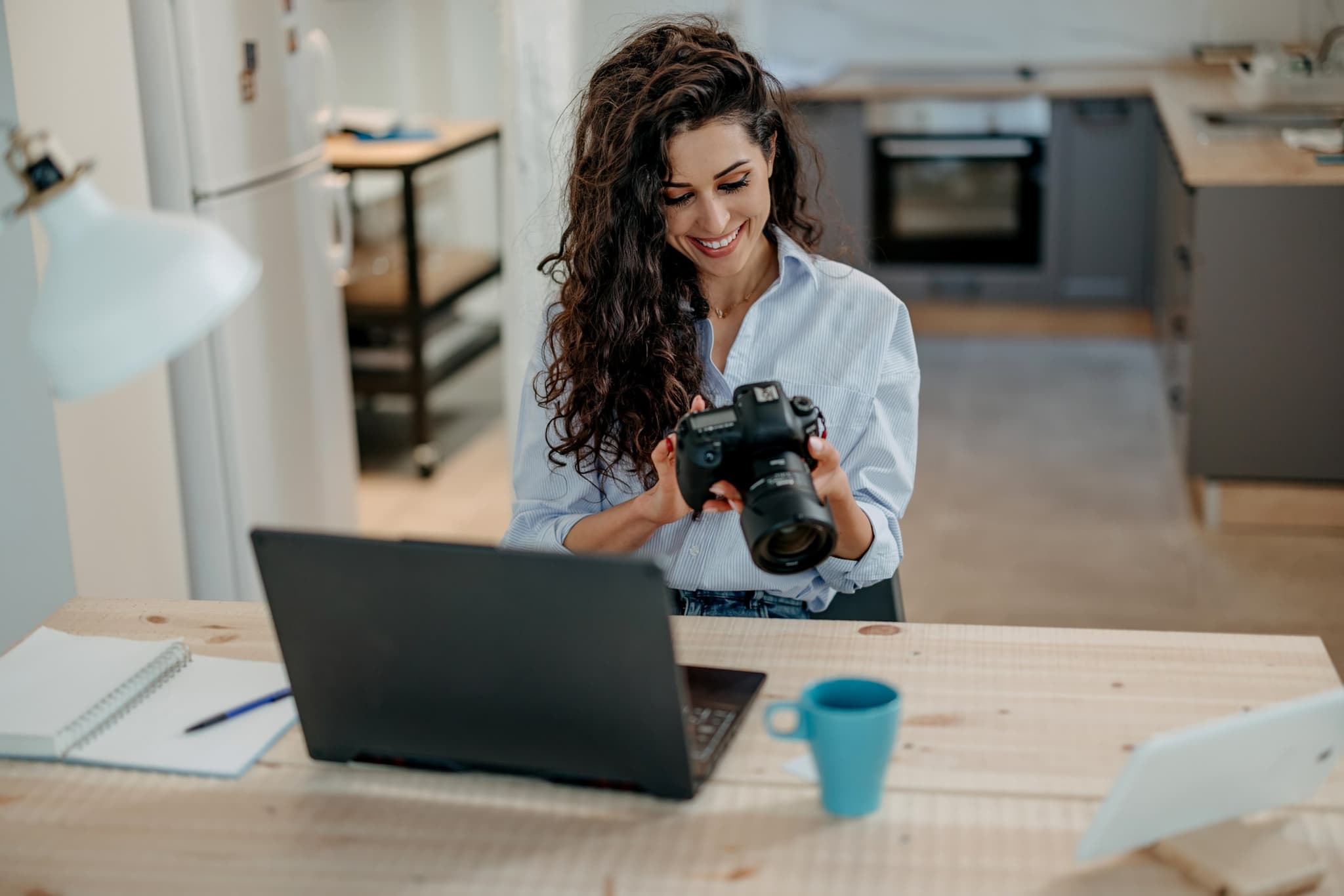
Online · live on Zoom · from anywhere
Private, one-on-one video lessons with a working landscape photographer. We work on your camera and your own photos, live, with screen sharing.
Three ways to learn online
Brand new to your camera, ready to leave auto mode, or looking for help with your own work. Pick the lesson that fits.
For brand-new camera owners who want to understand what they bought.
For photographers who know their camera and want creative control.
Lightroom, portfolio reviews, style and technique, built around your photos.
How many hours?
How it works
Choose a lesson and the days and times that usually suit you.
I'll email you to set the exact time and send a Zoom link.
Camera in hand, screen shared. You try each thing as we go, and I help you right away.
What you’ll need:Your cameraA computer with ZoomA charged batteryA memory card
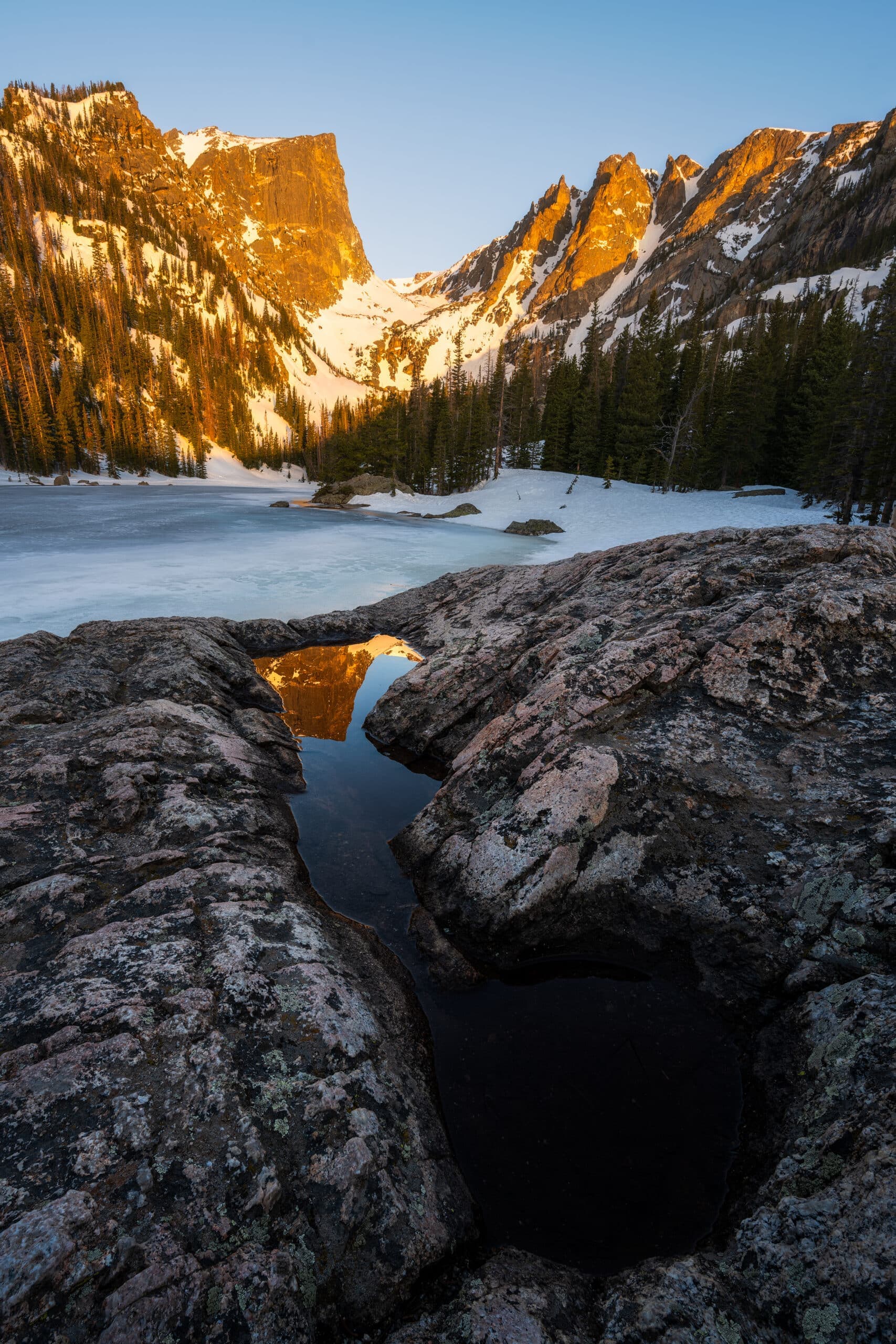
Dream Lake · Rocky Mountain National Park
New camera · 90 minutes · $99
You just unboxed your first DSLR or mirrorless camera and every button looks important. We go through it together, on your camera, until it feels like yours.
Includes a free follow-up editing call
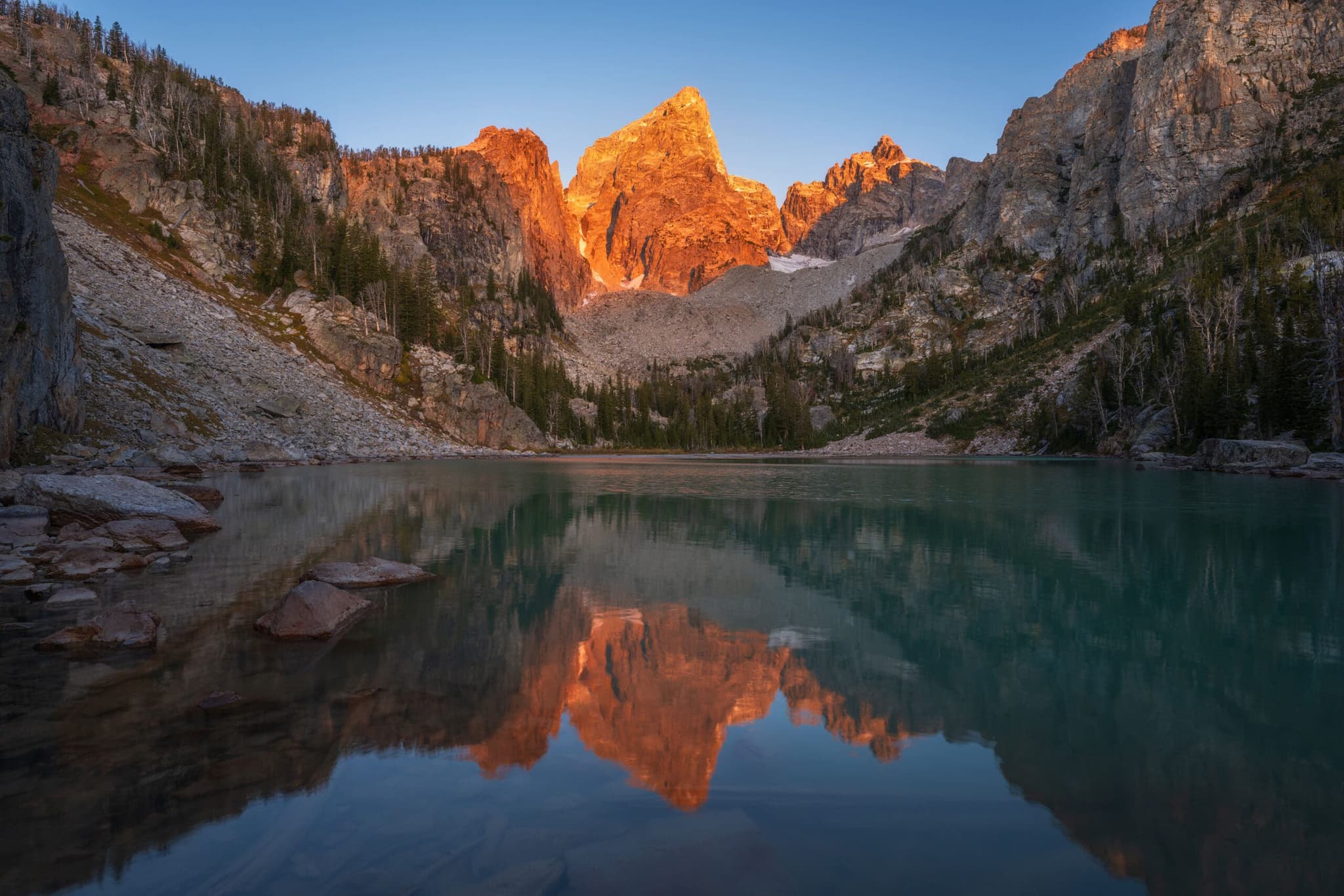
Delta Lake · Grand Teton National Park
Ready for manual · 90 minutes · $99
You know your camera, but auto mode is still making the decisions. This lesson hands them back to you, with each setting practiced live on your own camera while we talk.
Includes a free follow-up editing call
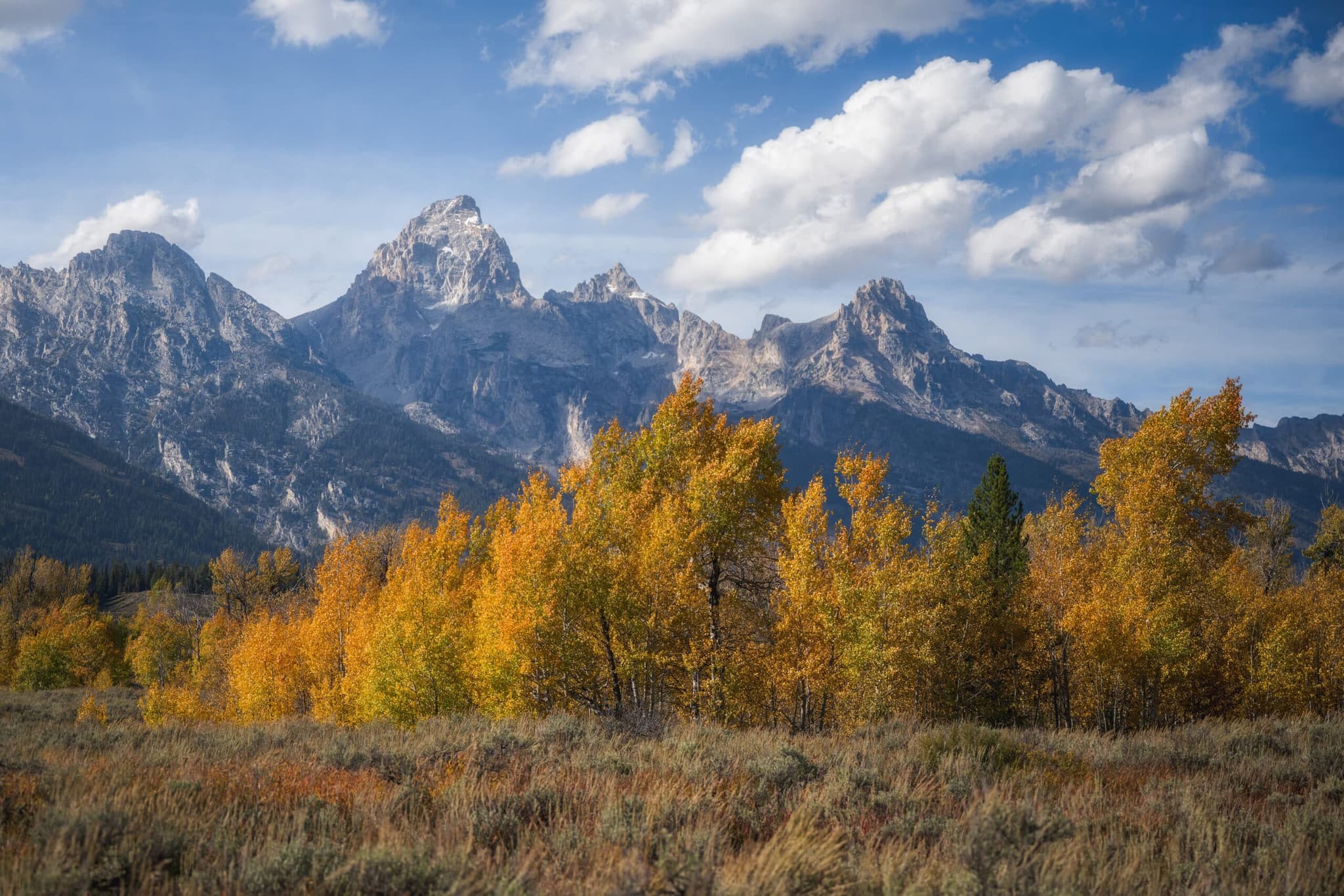
Grand Teton National Park · Wyoming · Fall in the Tetons
Your own work · $75 per hour · New
Personalized online lessons built around your goals and your work. Whether you're dialing in Lightroom, polishing your portfolio, or leveling up your shooting skills, each session is tailored to what will move you forward fastest.
Live online sessions with real-time feedback and screen sharing using your own images. Clear direction, thoughtful feedback, and advice tailored specifically to your photography.
How many hours?
Already had a lesson? This is the natural next step after your free follow-up call.
Who's teaching
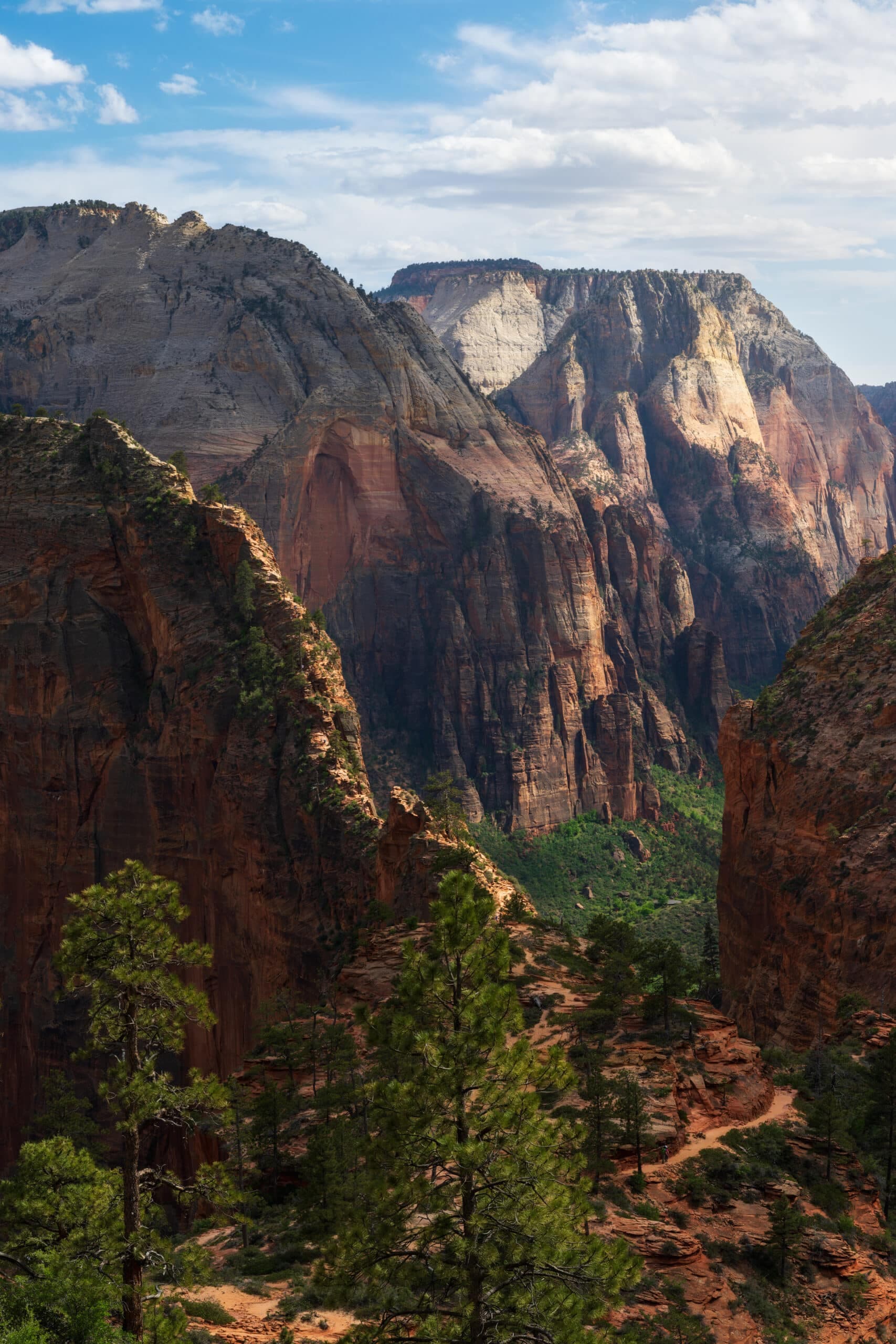
Zion National Park · Utah
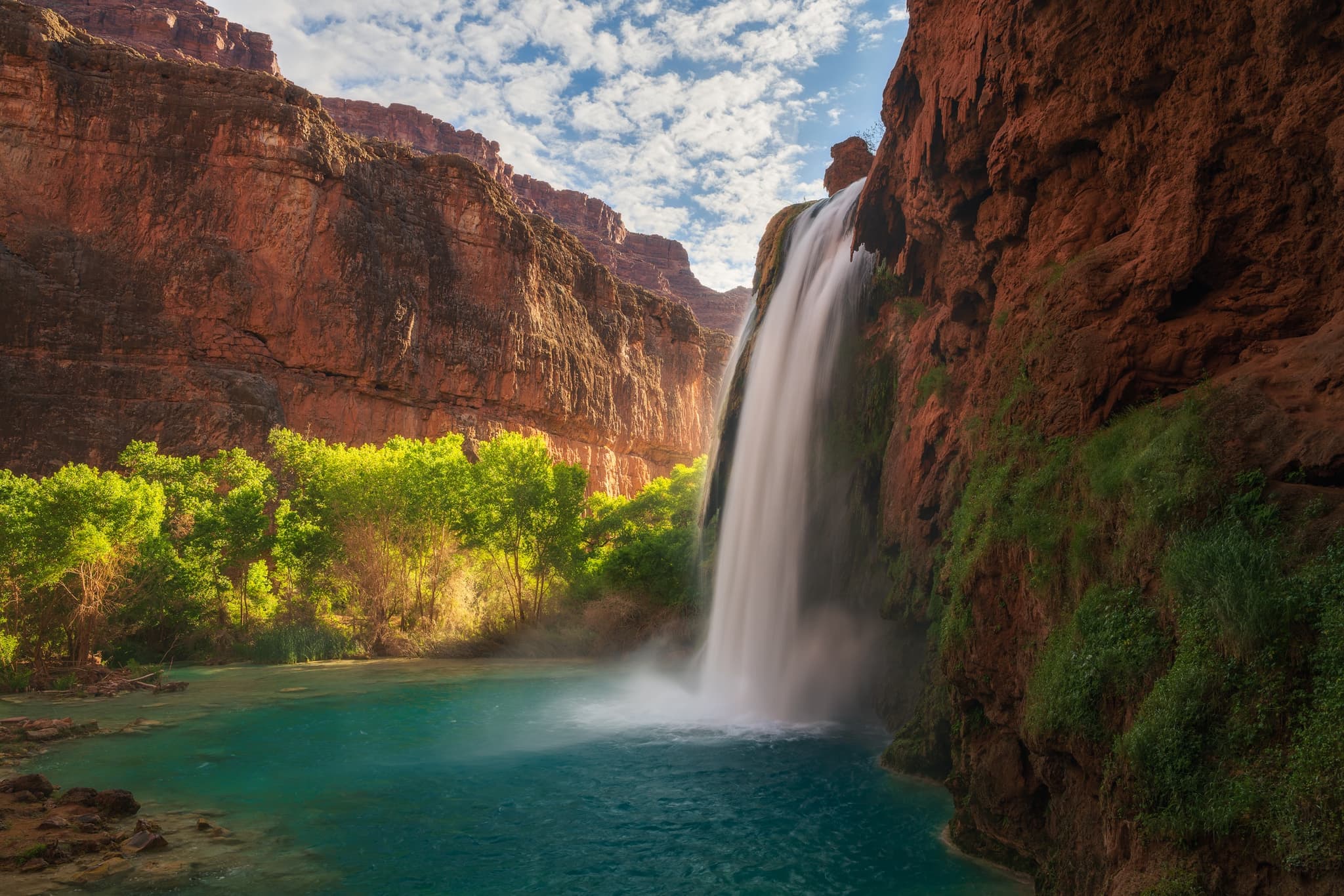
Havasu Falls · Arizona
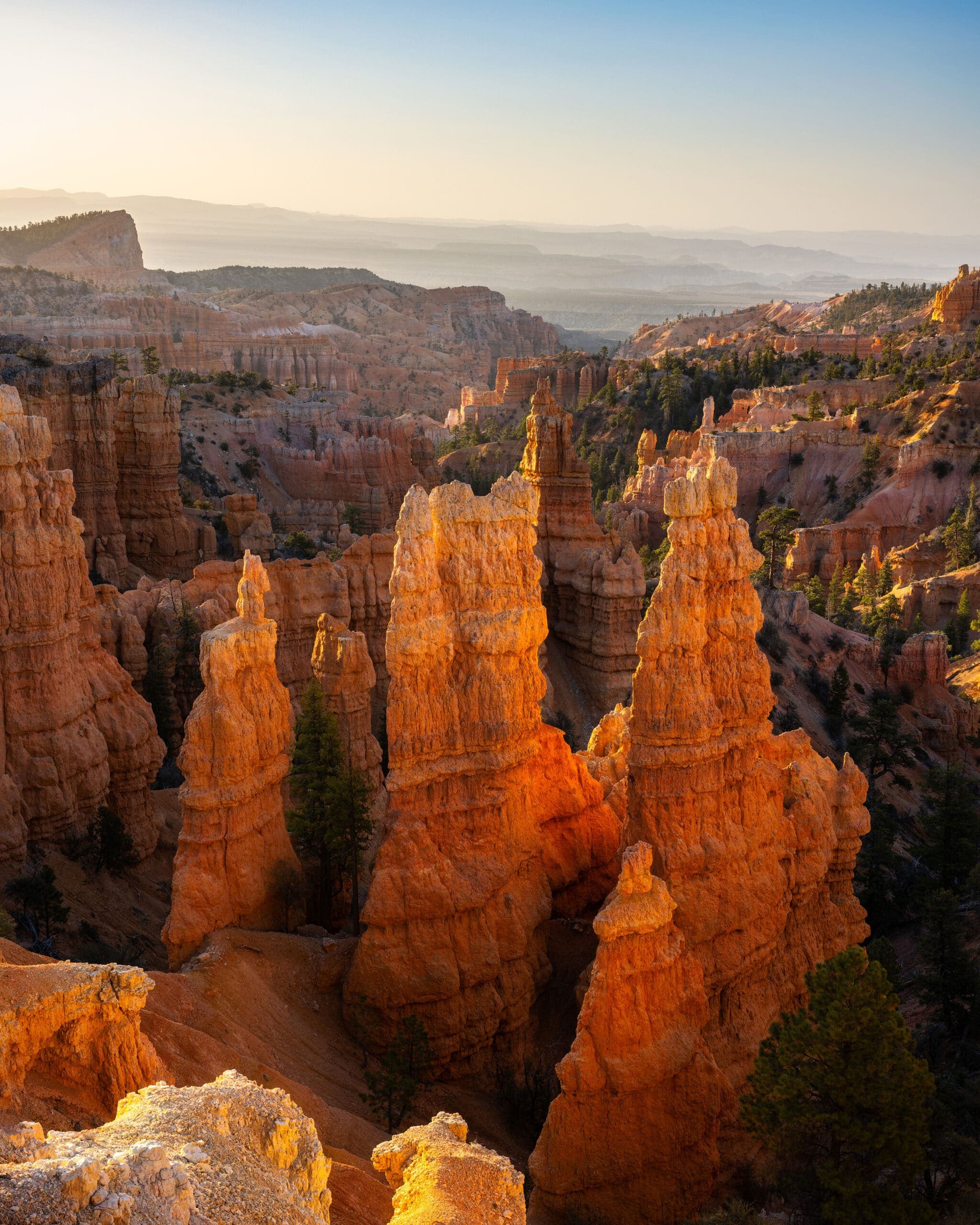
Bryce Canyon · Utah
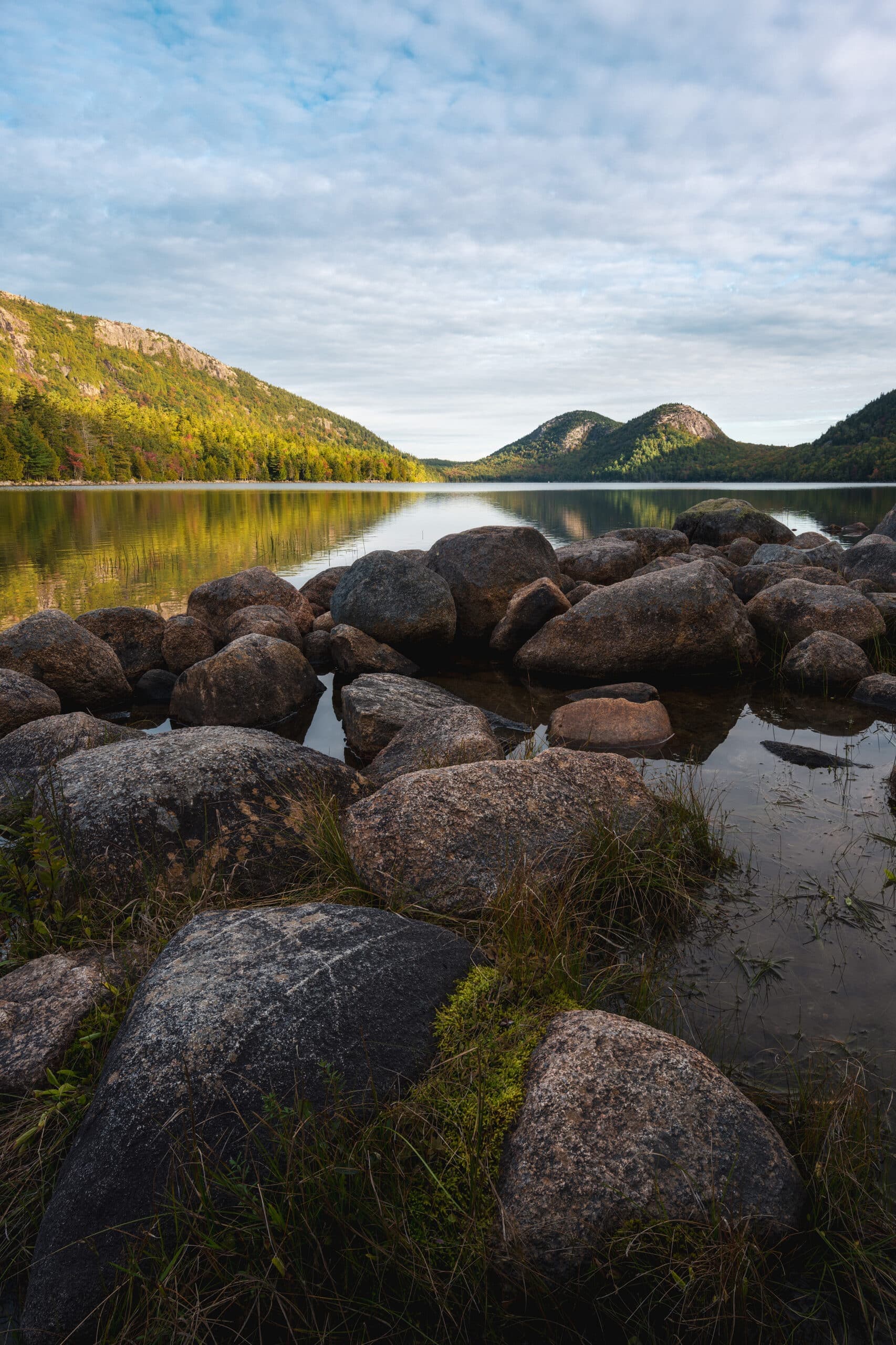
Acadia National Park · Maine
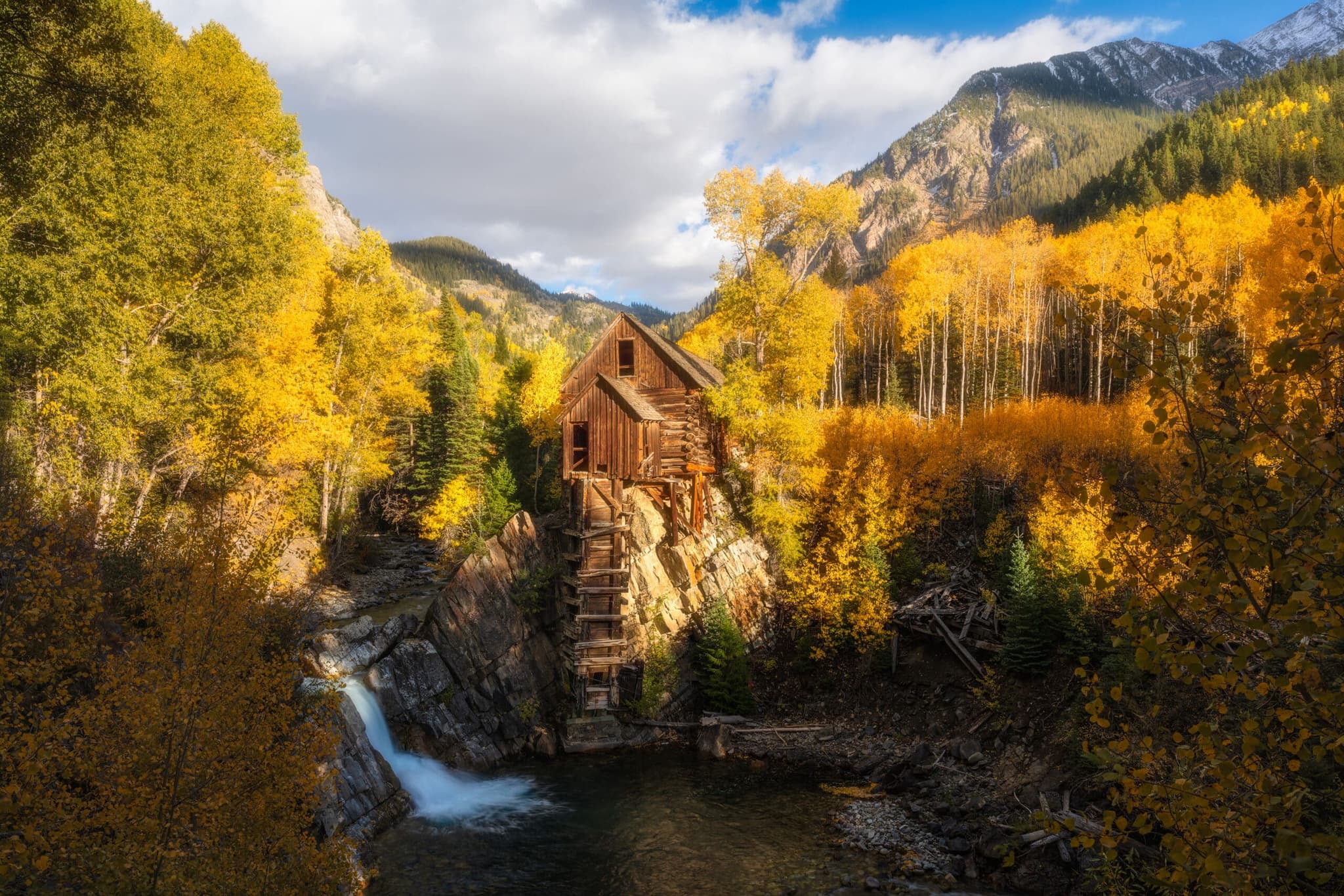
Crystal Mill · Colorado
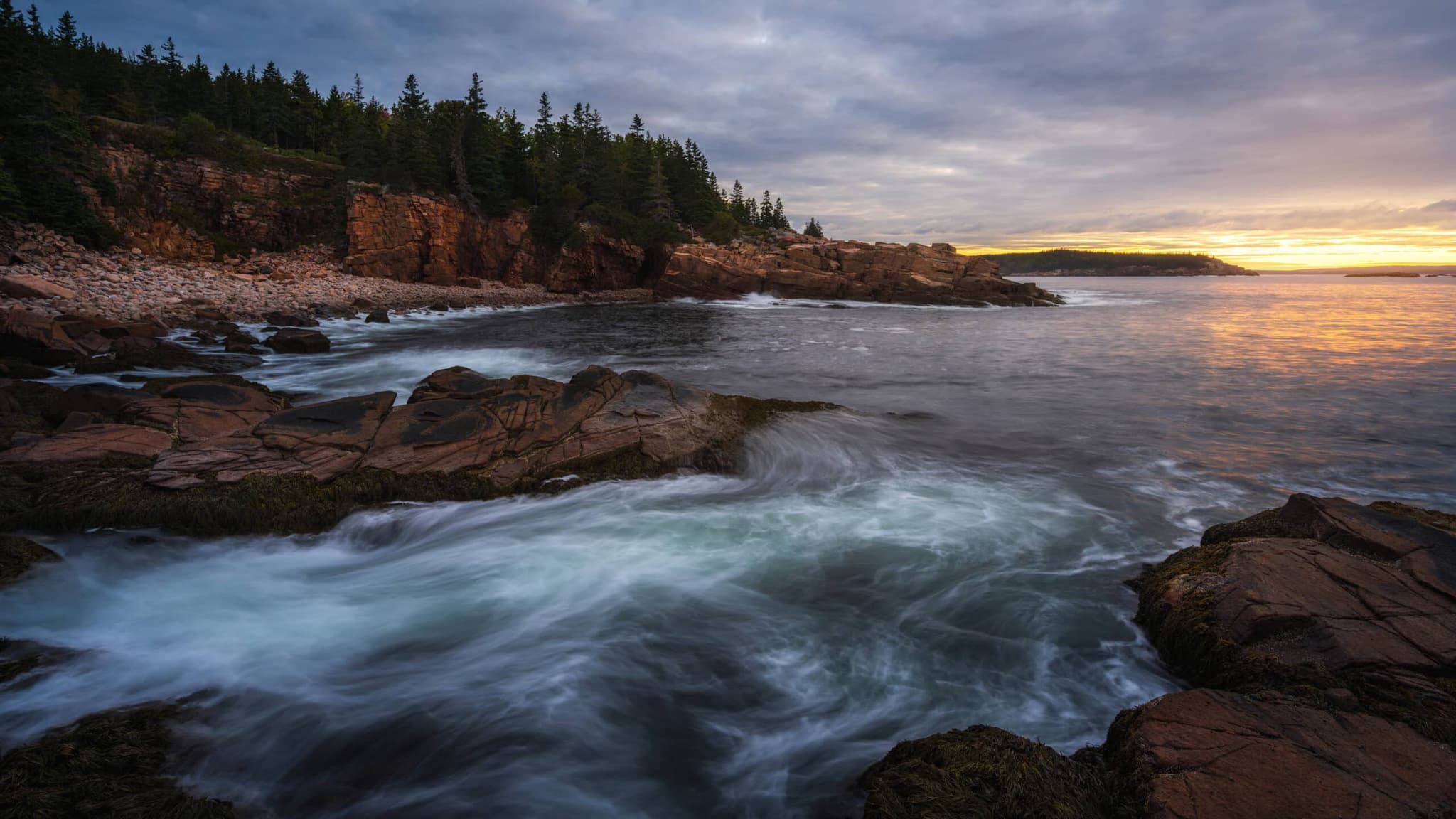
Acadia · Maine
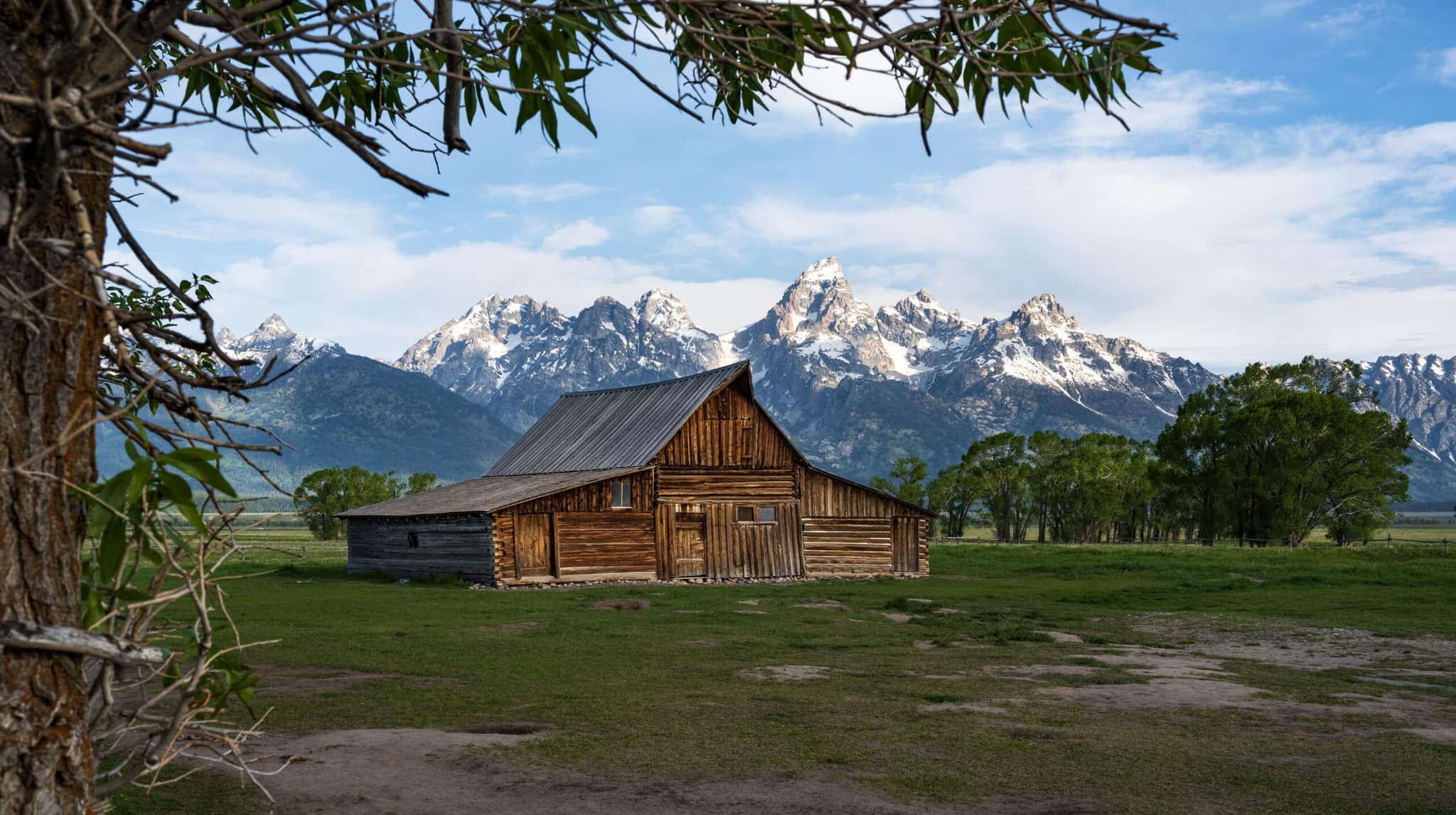
Grand Teton · Wyoming
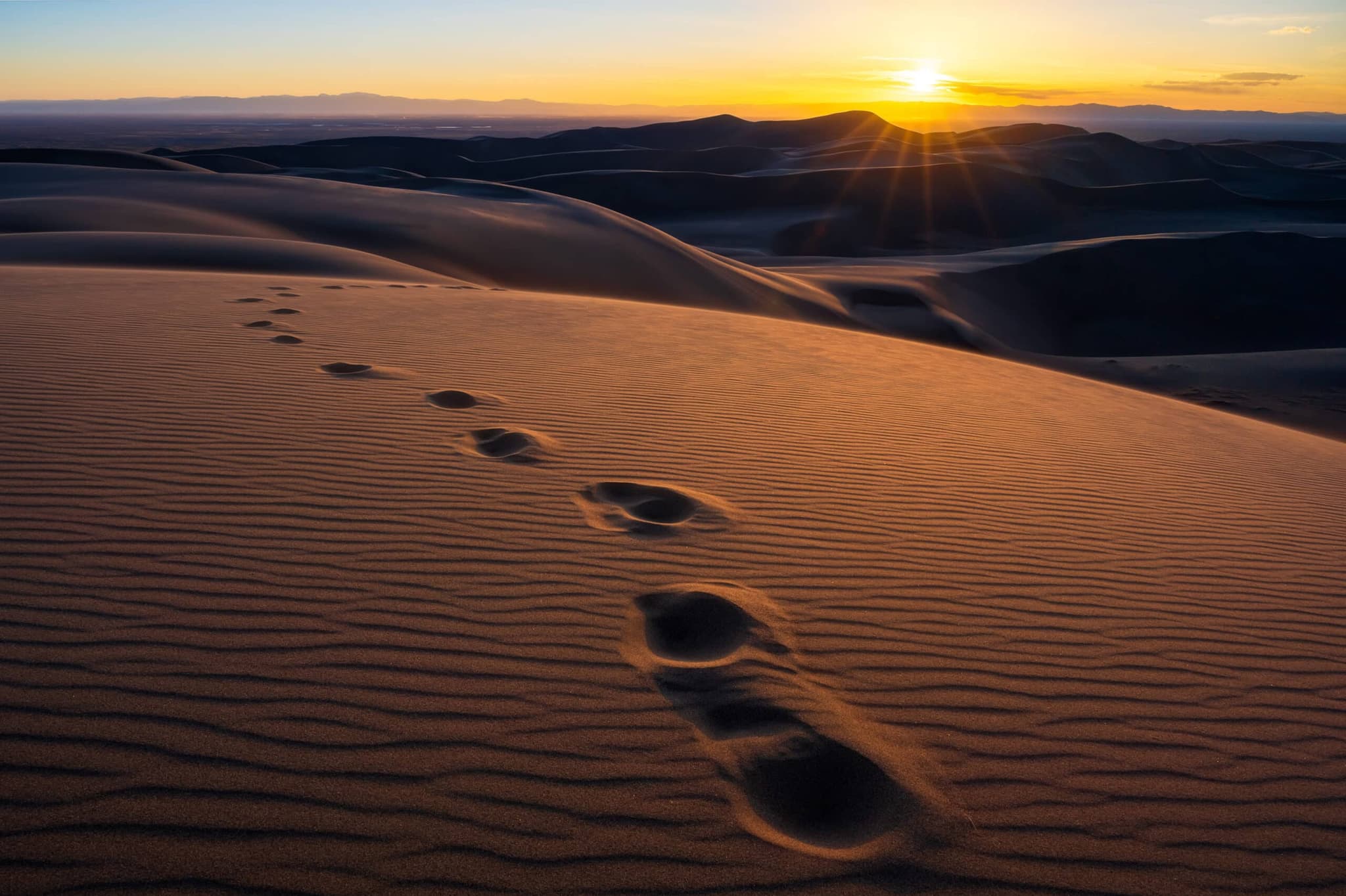
Great Sand Dunes · Colorado
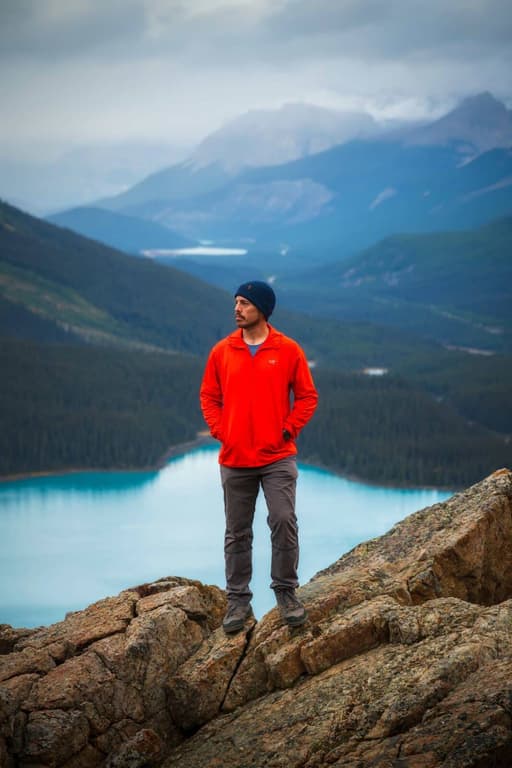
Hi, I’m Justin. Photography started for me as a casual hobby on a trip out west and became the thing I plan my life around. I teach one-on-one because that's how people actually learn: I show you, you try it, and I help you adjust on the spot. Online works the same way.
What students say about my teaching
“He has a rare ability to break down complex concepts in a way that's clear and approachable, no matter your experience level.”
★★★★★ Jamie T., Smithfield RI · in-person Coastal Clicks lesson
“I had watched plenty of YouTube videos on photography but this was completely different. Justin catered the lesson to my knowledge of photography so we could skip the basics…”
★★★★★ Greg B., Cumberland RI · in-person Coastal Clicks lesson
Before you book
If your camera is new, start with The Crash Course. If you know your camera but still shoot in auto, take Beyond Auto Mode. If you want help with Lightroom, your portfolio or a specific technique, book a Custom Session.
Your camera, a computer with Zoom, a charged battery and a memory card. For Custom Sessions, have the photos you want to work on ready on that computer.
Yes. Book up to 3 hours at a time, then book again whenever you're ready for the next session.
The Crash Course and Beyond Auto Mode include a free follow-up video call where we edit your photos. If you want to keep going after that, Custom Sessions pick up right where the follow-up leaves off.
Cancel or reschedule with at least 2 hours' notice.
Choose the lesson and the days that suit you. I'll confirm the time and send your Zoom link.